What is VPS Monitoring and Why Do You Need It?
Learn what VPS monitoring is, why it's essential for server reliability, and how to get started with monitoring your servers effectively.
VPS monitoring is the practice of continuously tracking your virtual private server's performance metrics—including CPU usage, memory consumption, disk space, and running processes—to ensure optimal performance and prevent downtime. Without monitoring, server problems often go unnoticed until they cause significant issues for your users.
What is VPS Monitoring?
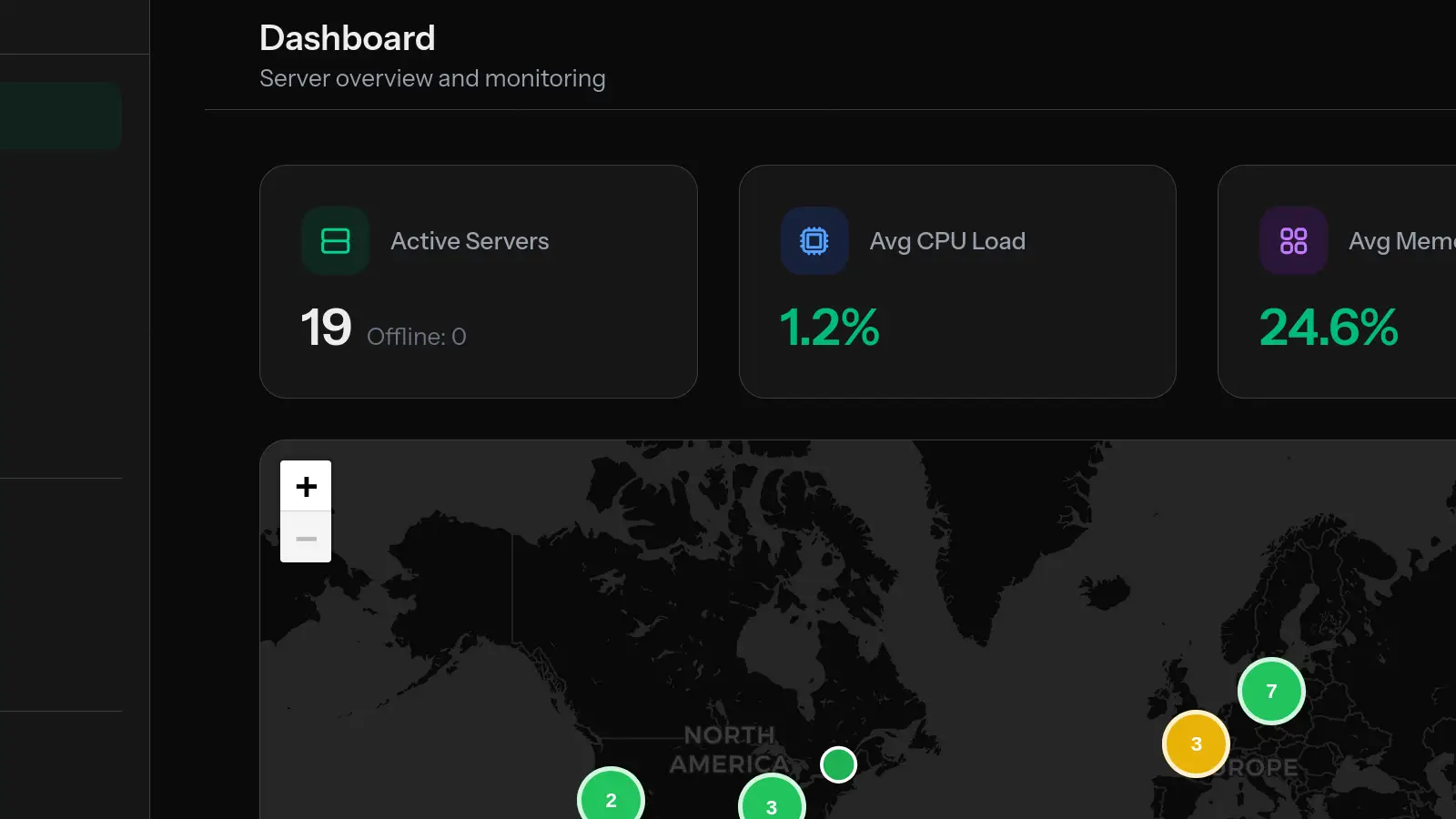
VPS monitoring involves using specialized software to collect and analyze performance data from your virtual private server in real-time. A monitoring agent installed on your server gathers metrics at regular intervals and sends them to a dashboard where you can view trends, set alerts, and identify potential problems before they escalate.
Modern VPS monitoring solutions like MonitorVPS track several key metrics:
- CPU Usage – How much processing power your applications are consuming
- Memory (RAM) Usage – How much memory is being used versus available
- Disk Space – Storage capacity and usage trends
- Process Monitoring – Which applications are running and their resource consumption
- Uptime – How long your server has been running without interruption
Why is VPS Monitoring Important?
Server monitoring is essential for several critical reasons:
1. Prevent Downtime Before It Happens
The primary benefit of VPS monitoring is early warning. When your CPU consistently runs above 80% or your disk space drops below 10%, you'll know about it before your server crashes. This proactive approach means you can address issues during convenient times rather than dealing with emergencies at 3 AM.
2. Optimize Performance and Reduce Costs
Monitoring data helps you understand your actual resource usage. You might discover that your server is over-provisioned (paying for resources you don't use) or under-provisioned (causing performance issues). This insight lets you right-size your infrastructure and optimize costs.
3. Detect Security Threats
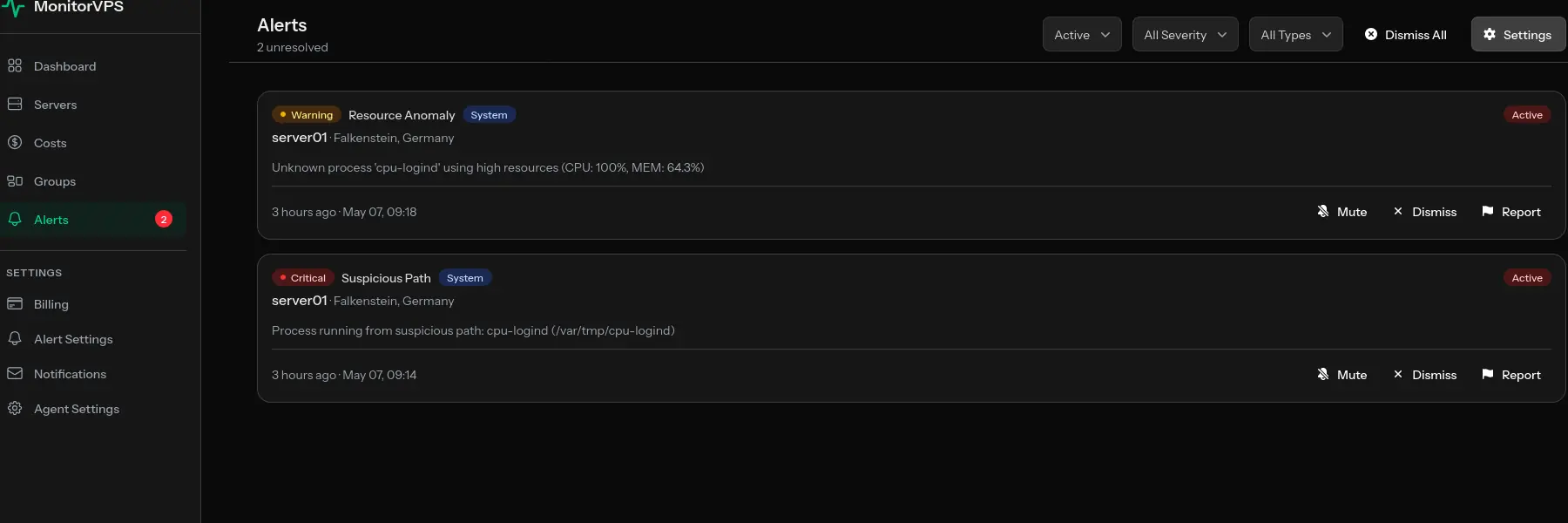
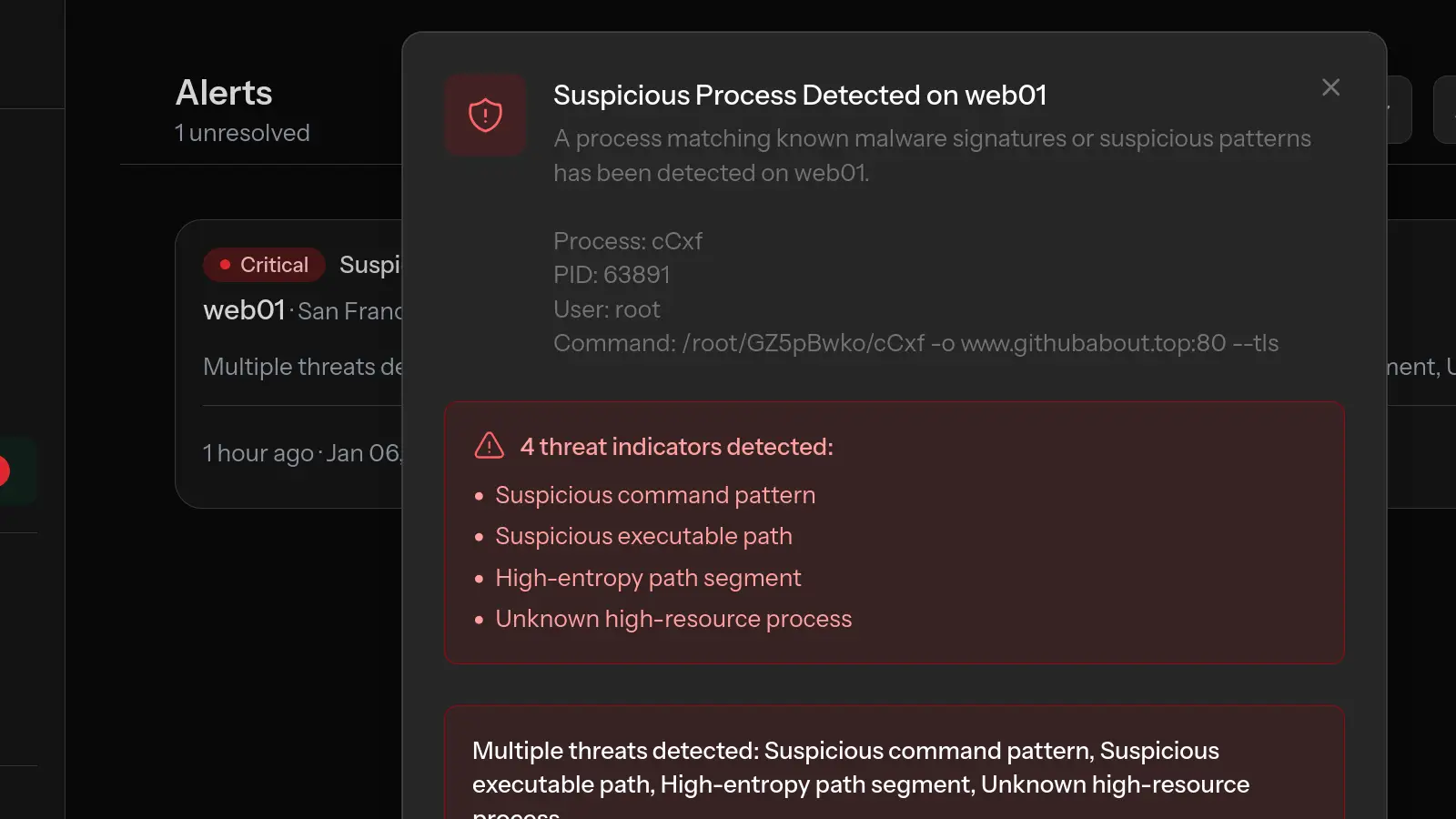
Unusual patterns in server metrics can indicate security issues. Unexpected CPU spikes might reveal cryptomining malware. Strange processes could be unauthorized access. Memory anomalies might indicate a compromised application. Monitoring provides visibility into what's happening on your server.
4. Maintain Reliable Service for Users
Your users expect your services to work. Slow response times or outages damage trust and can cost you customers. Monitoring ensures you maintain the reliability your users depend on.
What Should You Monitor on a VPS?
At minimum, every VPS should have monitoring for these core metrics:
CPU Monitoring
Track CPU usage percentage over time. Look for sustained high usage (above 80%) which indicates your applications need more processing power, or sudden spikes which might indicate runaway processes or security issues.
Memory Monitoring
Monitor RAM usage and watch for memory leaks—patterns where memory usage continuously increases without being released. Running out of memory causes applications to crash or the server to become unresponsive.
Disk Space Monitoring
Track disk usage trends to prevent running out of storage. A full disk can cause application failures, database corruption, and log file issues. Set alerts at 80% and 90% capacity thresholds.
Process Monitoring
Know which processes are running and consuming resources. This helps identify resource-hungry applications and detect unauthorized processes that might indicate a security breach.
How to Get Started with VPS Monitoring
Setting up VPS monitoring is straightforward with modern tools. Here's a typical process:
- Choose a monitoring solution – Select a tool that fits your needs and budget. MonitorVPS offers free monitoring for up to 2 servers.
- Install the monitoring agent – Most solutions require installing a lightweight agent on your server. This typically takes under 5 minutes.
- Configure alerts – Set thresholds for when you want to be notified. Common thresholds include CPU > 80%, Memory > 85%, and Disk > 90%.
- Review your dashboard – Check your monitoring dashboard regularly to understand your server's normal behavior and spot trends.
Best Practices for VPS Monitoring
To get the most value from your monitoring setup:
- Set meaningful alerts – Too many alerts cause alert fatigue. Focus on actionable thresholds.
- Monitor all servers – Even development and staging servers can provide valuable insights.
- Review metrics regularly – Don't just wait for alerts. Regularly review trends to proactively optimize.
- Keep historical data – Long-term data helps you understand patterns and plan capacity.
- Use anomaly detection – Let the system identify unusual behavior automatically.
Conclusion
VPS monitoring is no longer optional—it's essential for anyone running servers in production. Whether you're a developer managing a single server or an agency overseeing dozens of client servers, monitoring gives you the visibility and early warning you need to maintain reliable, secure, and performant infrastructure.
The good news is that getting started is easy and often free. With solutions like MonitorVPS, you can have comprehensive monitoring running on your servers in under 5 minutes, with no credit card required for the free tier.