How to Detect Malware on Linux Servers
Discover how to identify malware and security threats on your Linux servers using monitoring tools and command-line techniques.
Detecting malware on Linux servers involves monitoring for unusual behavior patterns, checking running processes, analyzing resource usage anomalies, and using specialized security tools. While Linux is generally more secure than other operating systems, it's not immune to malware, especially on internet-facing servers.
Signs Your Linux Server May Be Infected
Before diving into detection methods, it's important to recognize the common signs of a compromised server:
- Unexplained high CPU usage – Especially if it occurs at unusual times or from unknown processes
- Unusual network traffic – Unexpected outbound connections or data transfers
- Strange processes running – Unfamiliar process names or processes running from unexpected locations
- Modified system files – Changes to binaries, configuration files, or cron jobs you didn't make
- New user accounts – Unauthorized user accounts or privilege escalations
- Slow performance – General degradation in server responsiveness
Using Server Monitoring to Detect Threats
Continuous server monitoring is one of the most effective ways to detect malware early. Here's how monitoring helps:
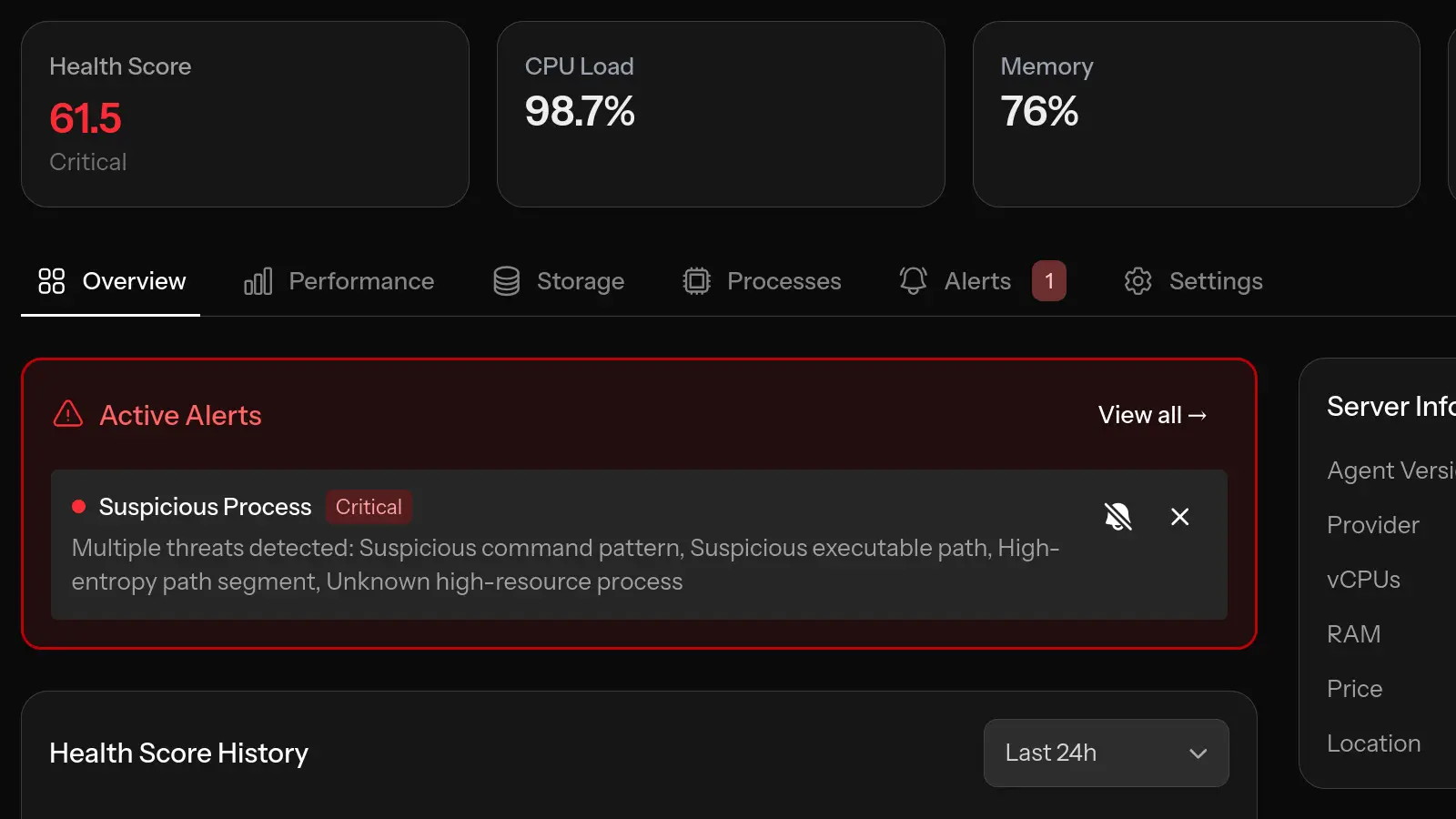
CPU Anomaly Detection
Cryptomining malware is one of the most common threats to Linux servers. It hijacks your server's processing power to mine cryptocurrency. This typically manifests as:
- Sustained high CPU usage (often 70-100%)
- CPU spikes during off-hours when legitimate usage should be low
- Unusual patterns compared to your server's normal baseline
Monitoring tools with anomaly detection can automatically identify these patterns and alert you to investigate.
Process Monitoring
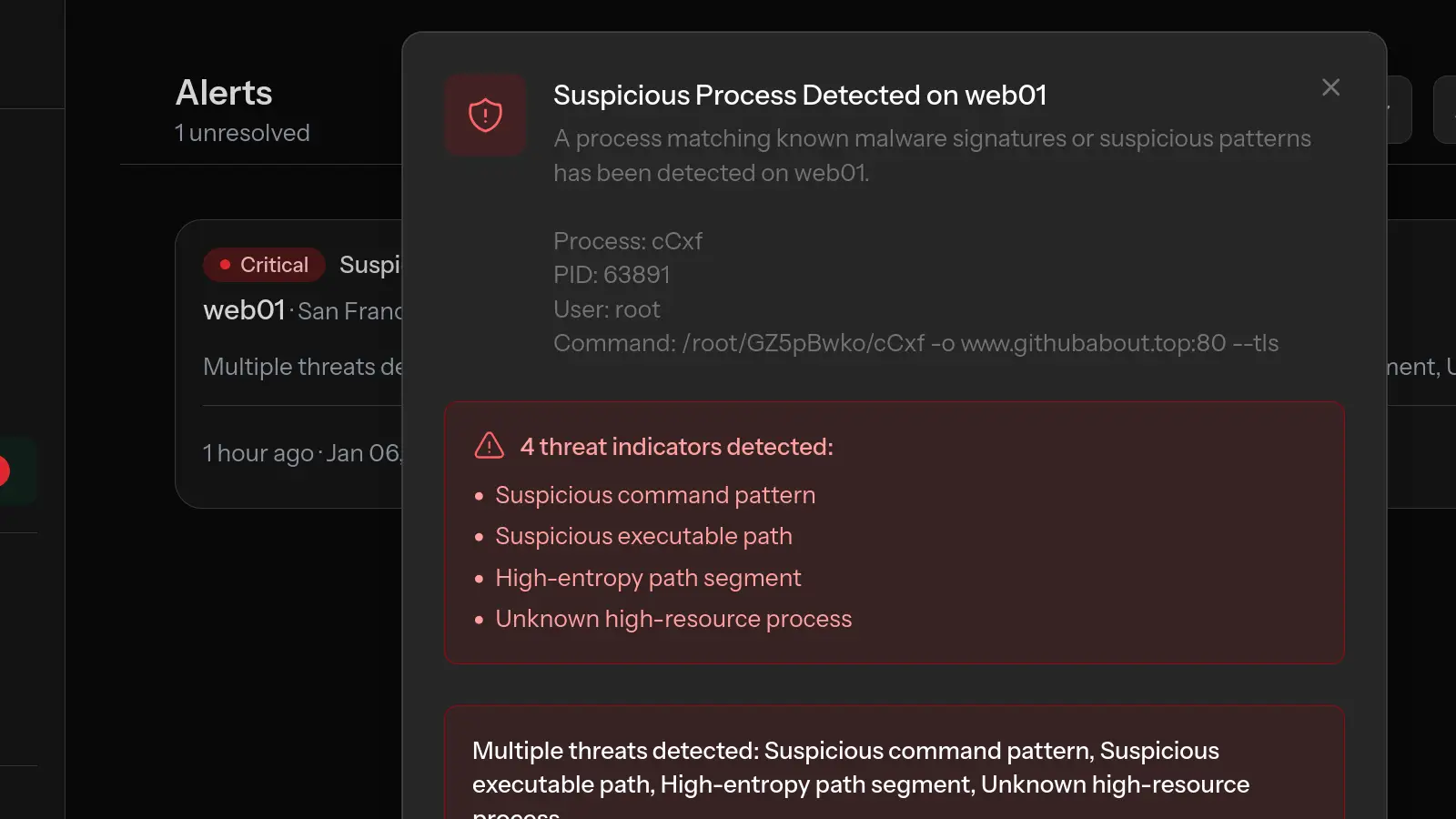
Malware often runs as processes with suspicious characteristics:
- Random-looking process names or names mimicking system processes
- Processes running from /tmp, /var/tmp, or user home directories
- Processes consuming resources disproportionate to their apparent function
- Processes running as root that shouldn't need root privileges
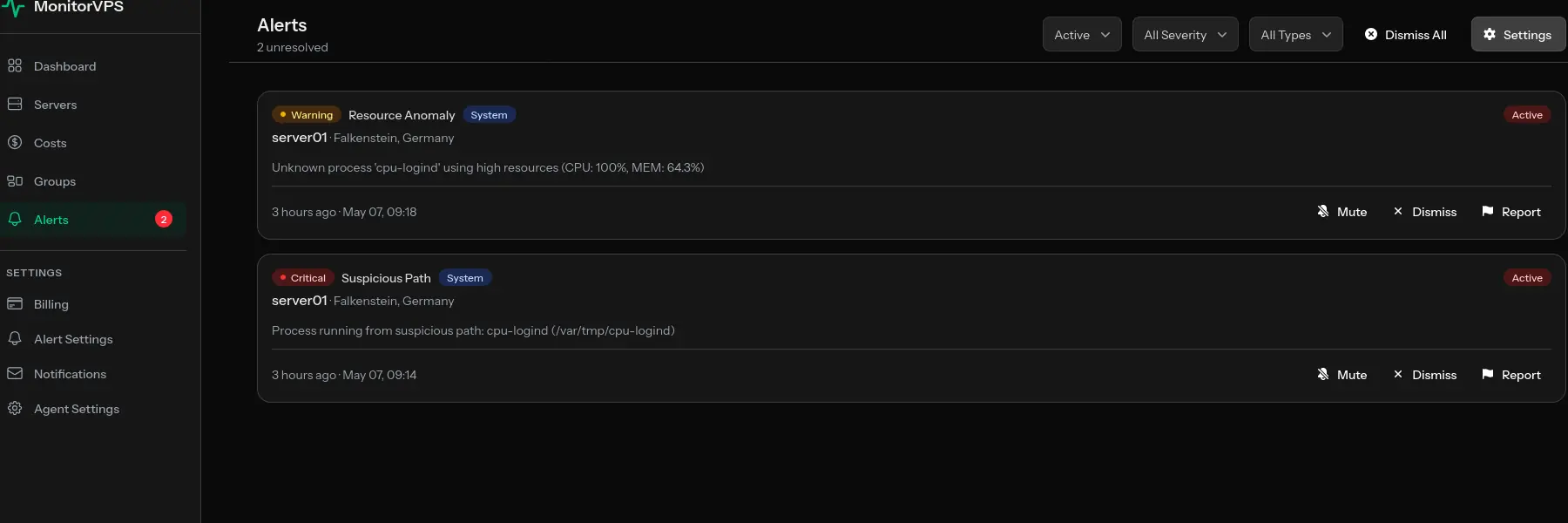
For a recent real-world example, see how MonitorVPS caught a cpu-logind XMRig miner running from /var/tmp on a customer server, with the command line /var/tmp/cpu-logind -c config.json.
Regular process monitoring gives you visibility into what's actually running on your server, making it easier to spot intruders.
Memory Usage Patterns
Some malware exhibits distinctive memory patterns:
- Gradual memory increases that don't correlate with normal traffic
- Memory usage that doesn't decrease when it should
- Unusual memory allocation patterns
Command-Line Tools for Malware Detection
Beyond monitoring, these tools help investigate potential infections:
Check Running Processes
ps aux | grep -v "^root\|^www-data\|^mysql" | awk '{print $1, $2, $11}'This shows processes running under unexpected users. Review any unfamiliar entries.
Check Network Connections
netstat -tulpn | grep LISTEN
ss -tulpn | grep ESTABLISHED
Look for connections to unfamiliar IP addresses or processes listening on unexpected ports.
Check for Modified Binaries
debsums -s  # On Debian/Ubuntu
rpm -Va     # On RHEL/CentOS
These commands verify system file integrity against package manager records.
Review Cron Jobs
cat /etc/crontab
ls -la /etc/cron.*
cat /var/spool/cron/crontabs/*
Malware often installs persistence through cron jobs. Review all scheduled tasks for suspicious entries.
Specialized Security Scanning Tools
Several tools are specifically designed for Linux malware detection:
ClamAV
An open-source antivirus that can scan files and processes:
sudo apt install clamav clamav-daemon
sudo freshclam  # Update signatures
sudo clamscan -r /  # Full system scan
rkhunter (Rootkit Hunter)
Scans for rootkits, backdoors, and local exploits:
sudo apt install rkhunter
sudo rkhunter --update
sudo rkhunter --check
chkrootkit
Another rootkit detection tool:
sudo apt install chkrootkit
sudo chkrootkit
Prevention Best Practices
The best approach to malware is prevention:
- Keep systems updated – Apply security patches promptly
- Use strong authentication – SSH keys instead of passwords, disable root login
- Minimize attack surface – Only run necessary services
- Configure firewalls – Block unnecessary incoming and outgoing traffic
- Monitor continuously – Use tools like MonitorVPS to catch anomalies early
- Regular backups – Enable quick recovery if compromise occurs
- Principle of least privilege – Limit user and process permissions
What to Do If You Find Malware
If you detect malware on your server:
- Don't panic – Take systematic steps to contain and remediate
- Isolate if necessary – Consider disconnecting from network if actively spreading
- Document everything – Record what you find for later analysis
- Identify the entry point – Understand how the compromise occurred
- Consider rebuilding – For serious infections, a fresh install is often safest
- Restore from clean backup – If available and verified clean
- Update and harden – Fix the vulnerability that allowed the infection
Conclusion
Malware on Linux servers is a real threat, but with proper monitoring and detection practices, you can catch and address infections quickly. The key is visibility—knowing what's normal for your server makes it much easier to spot when something is wrong.
Continuous monitoring tools like MonitorVPS provide that visibility through process monitoring, anomaly detection, and real-time alerts. Combined with regular security scanning and good prevention practices, you can maintain secure and trustworthy Linux infrastructure.